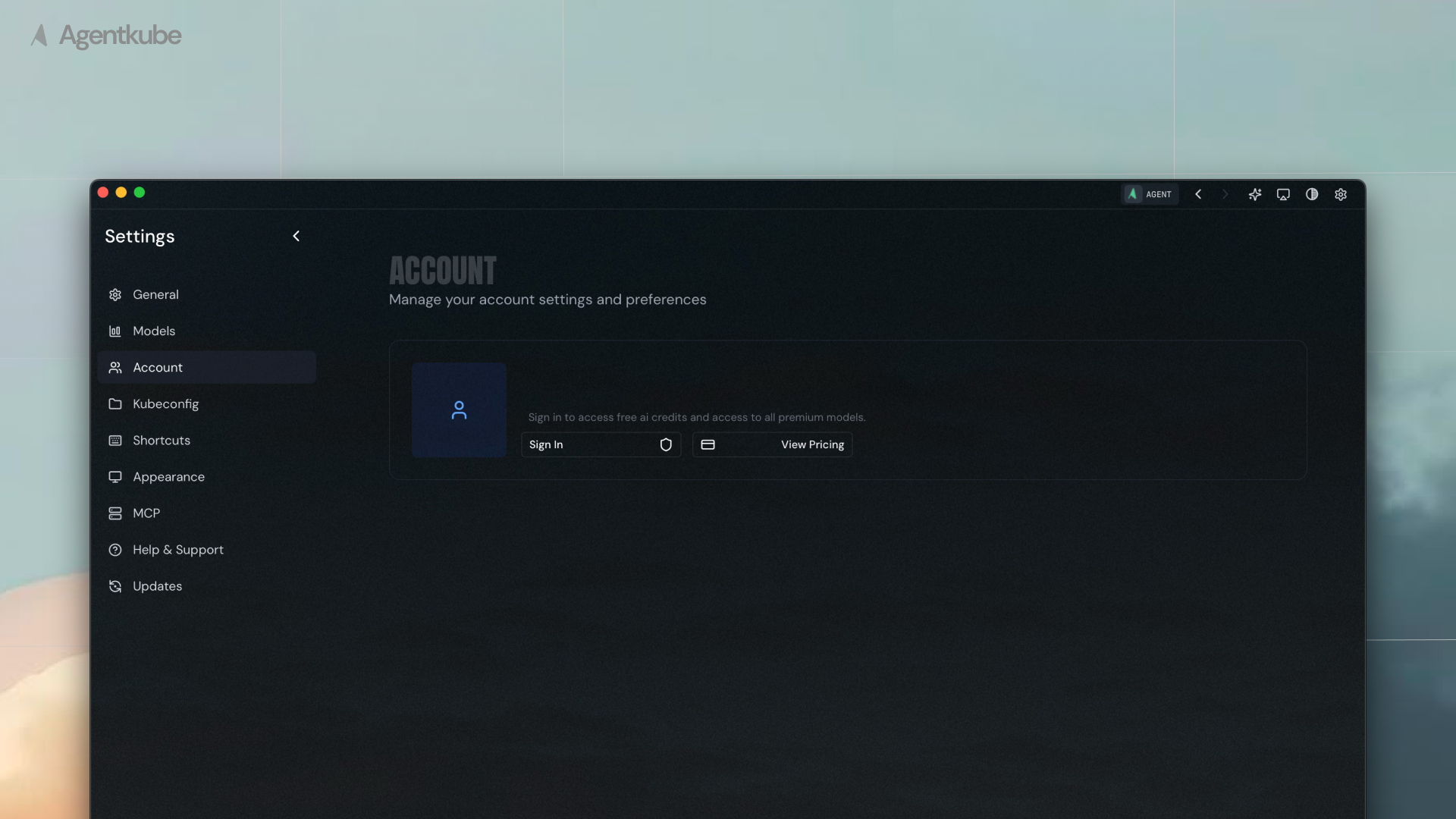
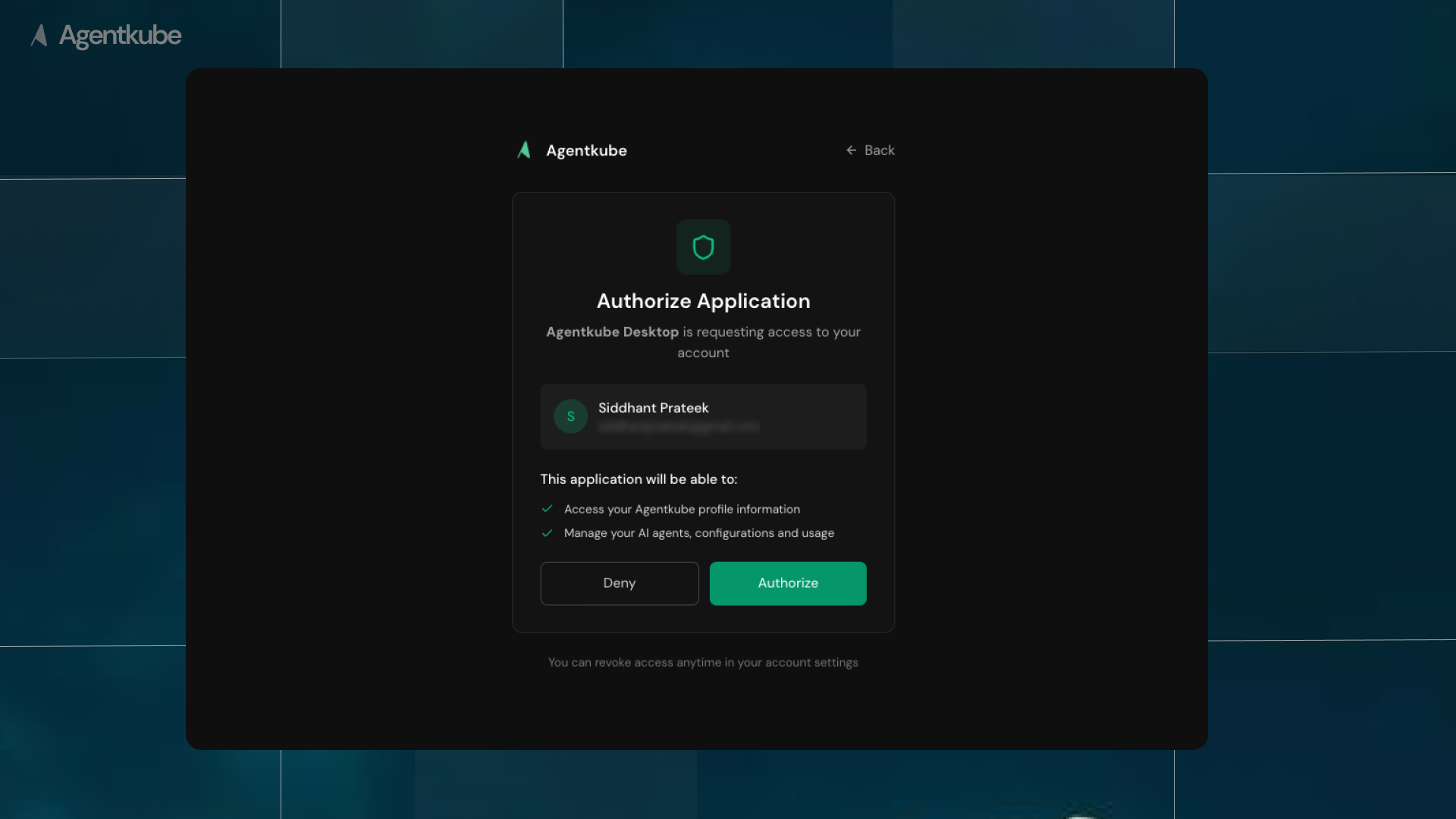
To get started, please ensure that your device meets the requirements, click the download link, and follow the instructions to install and run Agentkube.
Mac
Windows
Linux
Minimum OS Version: macOS 10.14
Minimum OS Version: Windows 10
IMPORTANT (UNSIGNED APPS): The Windows desktop version is not signed and the OS will try to block the app from running. When Windows warns you that the application is not signed, choose “More info > Run anyway” to proceed with the installation.
Minimum OS Version: Most modern Linux distributions
If you’re having trouble with the installation or setup process, please reach out to our support team at support@agentkube.com or join our Discord community.