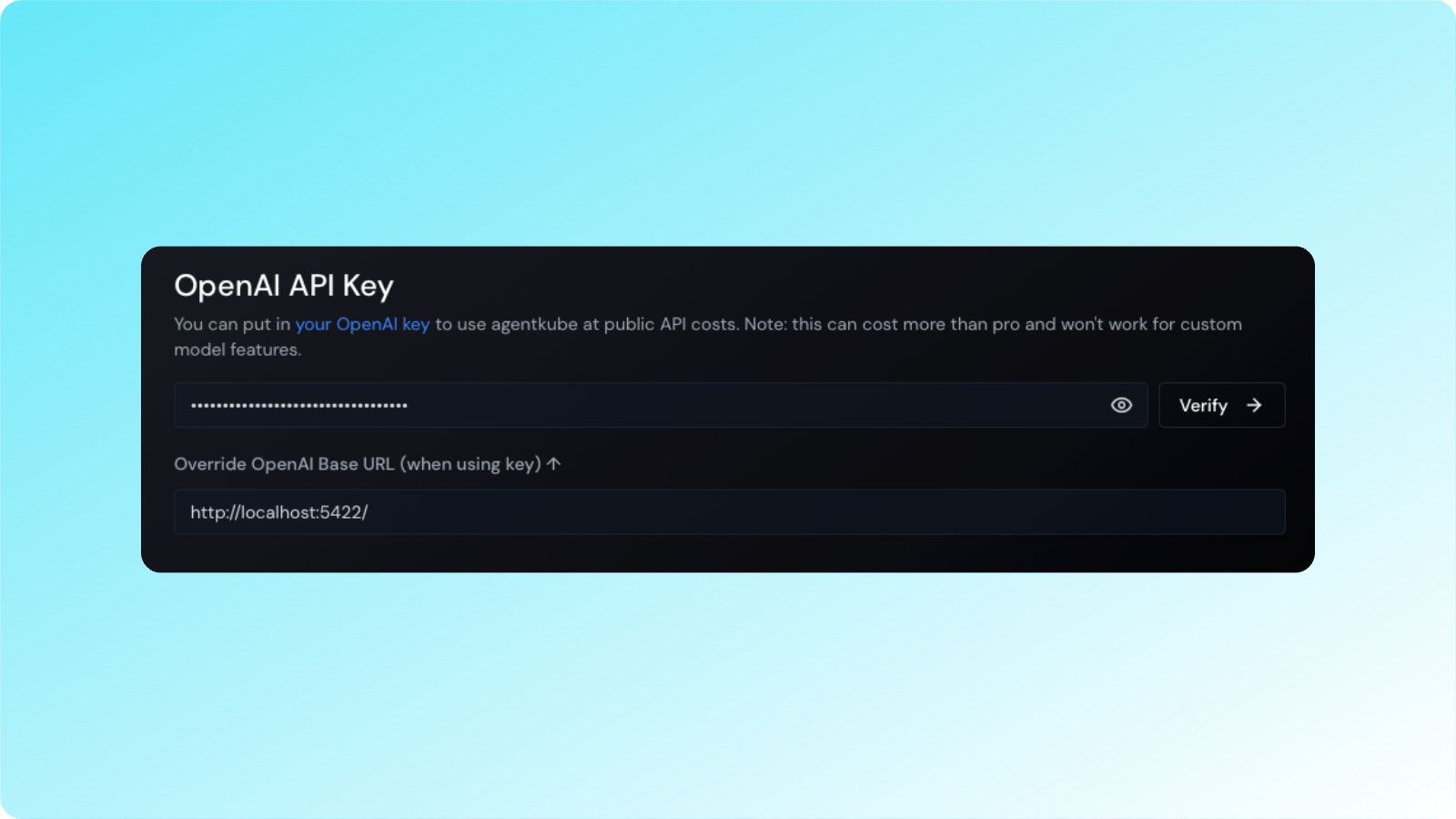
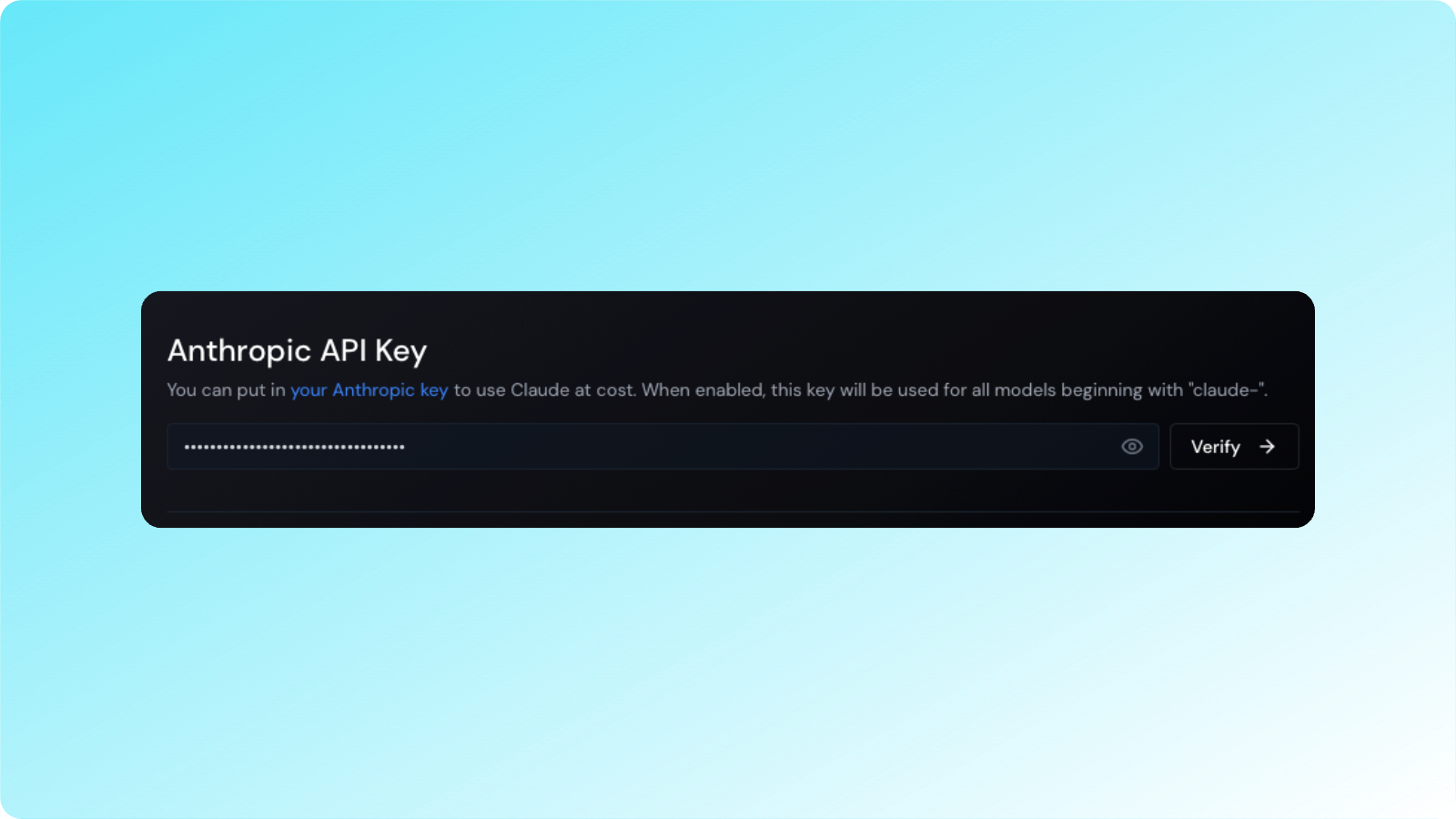
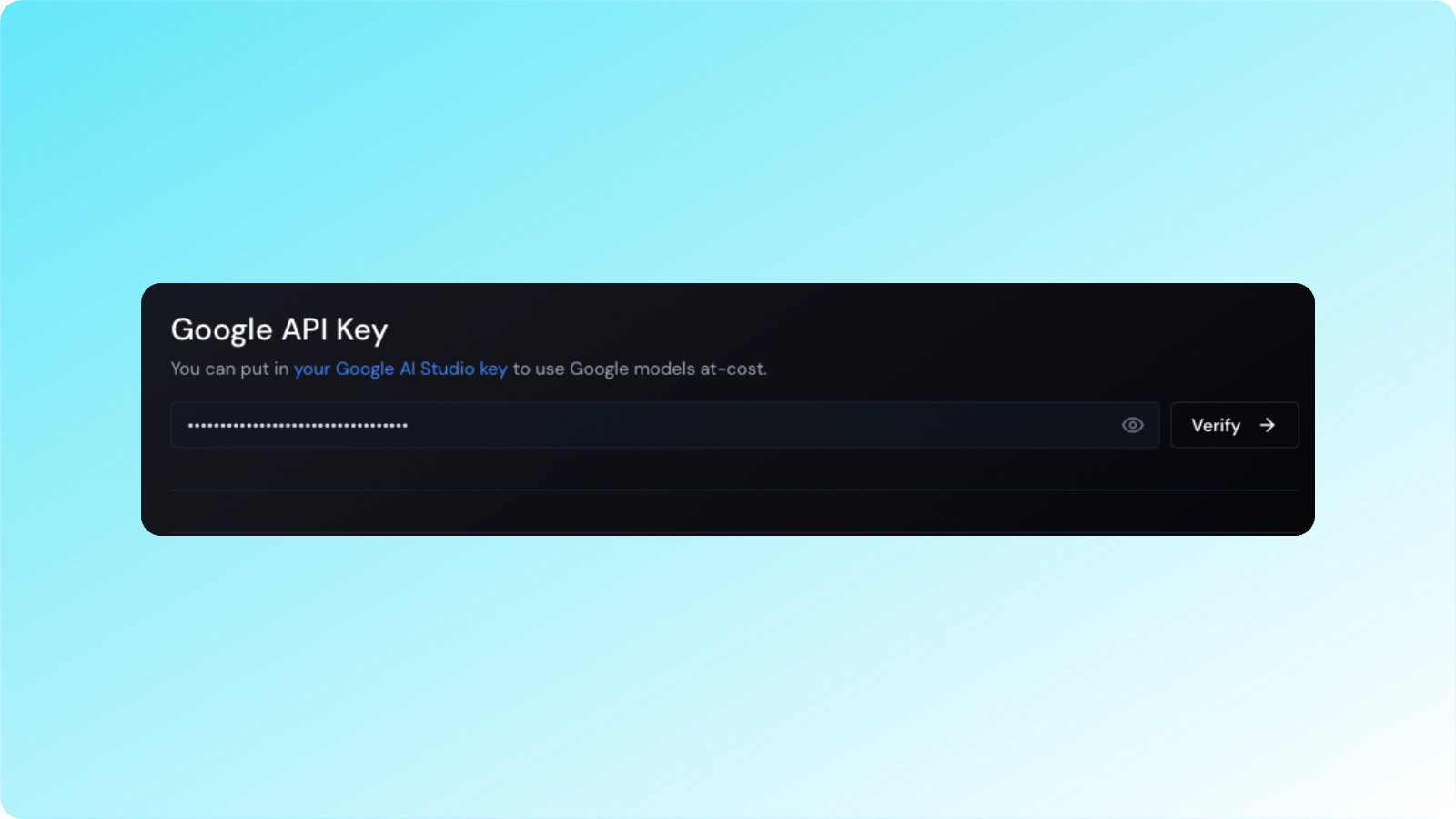
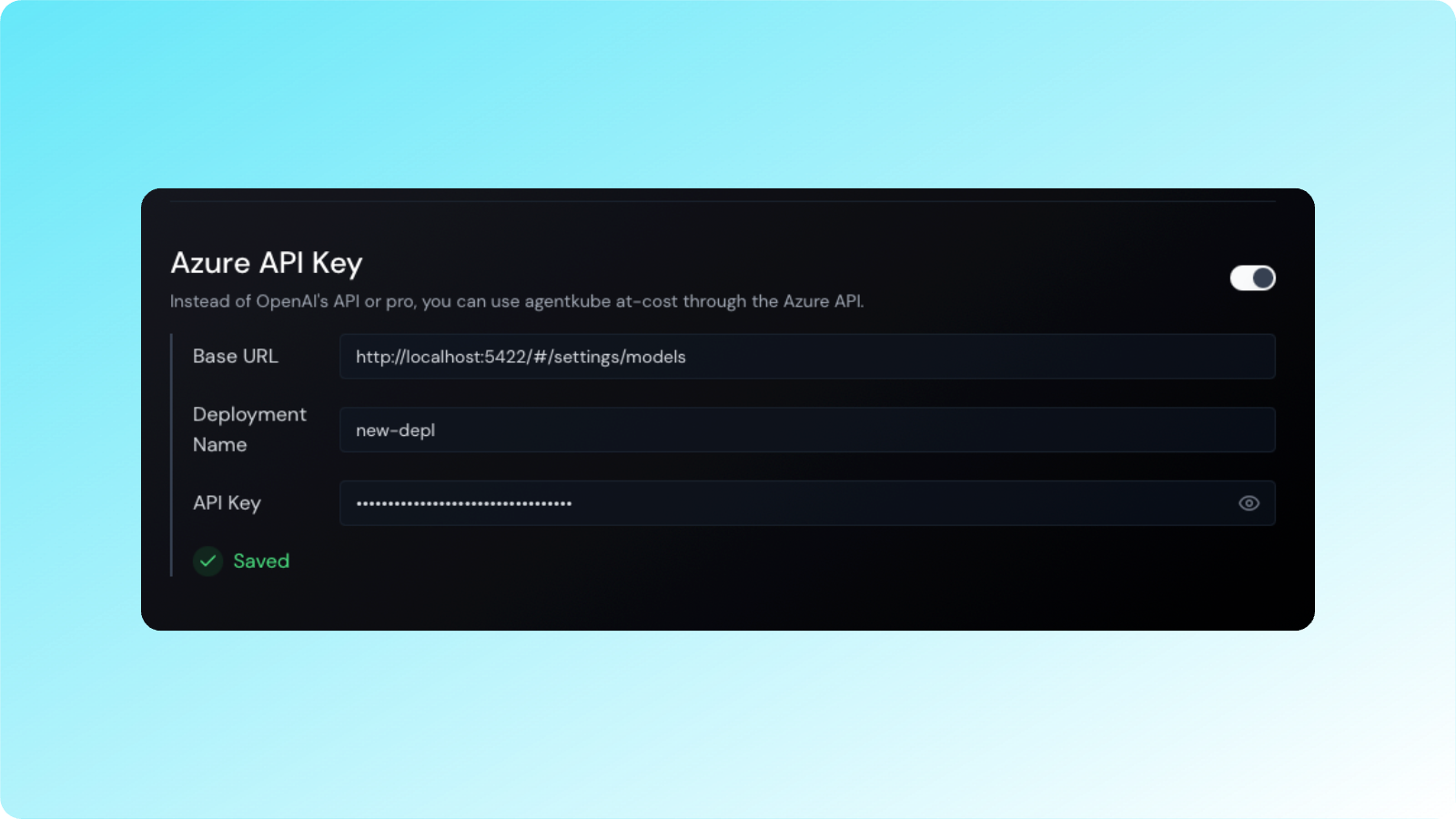
Agentkube lets you configure custom API keys for various LLM providers to use your own accounts when making AI requests, giving you flexibility and control over your usage and billing.
Your API key will not be stored in plain text, but encoded in base64 format in your settings file. It will be sent up to our server with every request. All requests are routed through our backend where we do the final prompt building.
Agentkube only supports API providers that are compatible with the OpenAI API format (like OpenRouter). We do not provide support for custom local LLM setups or other API formats. If you’re having issues with a custom API setup that isn’t from our supported providers, we unfortunately cannot provide technical support.
Currently, Agentkube will prioritize using one API key per provider. You cannot specify different keys for different features within the same provider.
Remember that when using custom API keys, you are responsible for any charges incurred through your provider accounts.