

Data Collection
We collect the following analytics data:- Feature Usage: Track which features and tools are being used
- Application Events: Monitor application startup and shutdown events
- Crash Reports: Collect crash data to identify and fix issues
- Performance Metrics: Basic performance and usage statistics
Settings
Through GUI
To configure analytics collection: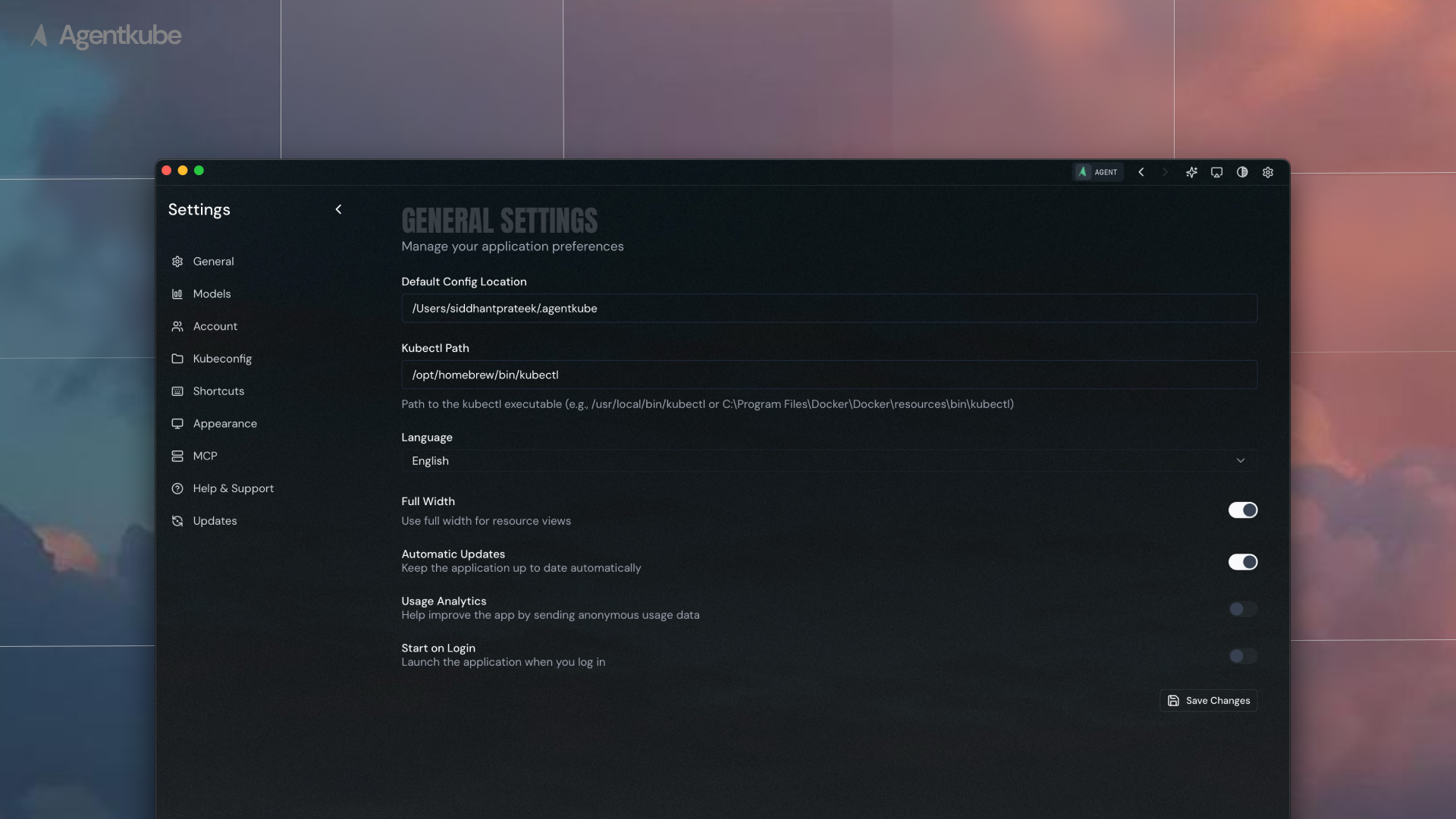
General settings with analytics configuration
- Navigate to Settings > General
- Locate the analytics toggle option
- Enable or disable analytics collection based on your preference
Through Configuration File
You can also manually edit the configuration file at~/.agentkube/settings.json:
usageAnalytics to true to enable analytics collection or false to disable it.