> ## Documentation Index
> Fetch the complete documentation index at: https://docs.agentkube.com/llms.txt
> Use this file to discover all available pages before exploring further.
# Recon Mode
Recon Mode provides read-only access to your Kubernetes cluster for both AI agents and human operators, creating a safe environment for exploration, audits, compliance checks, and troubleshooting without the risk of unintended modifications.
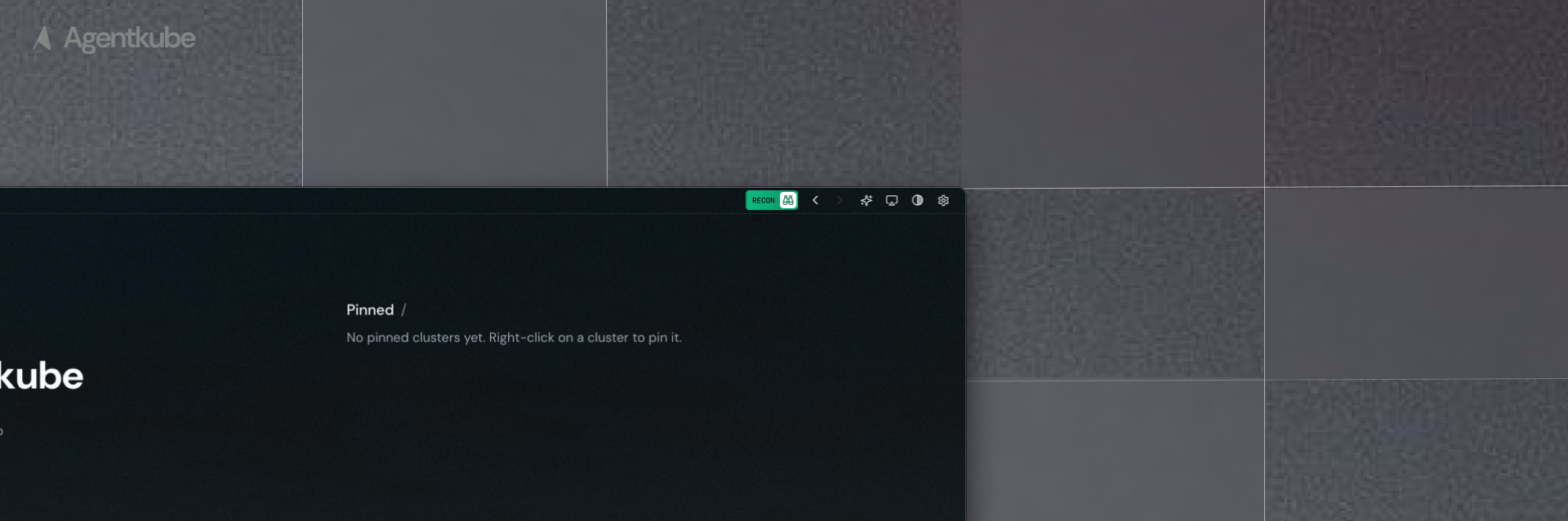 ## Invoke Recon Mode
To activate or deactivate recon mode for read-only access:
1. Open the Agentkube app and look for the toggle button on the top right
2. Or use the shortcut (macOS: `Command + /`; Windows/Linux: `Ctrl + /`)
## Invoke Recon Mode
To activate or deactivate recon mode for read-only access:
1. Open the Agentkube app and look for the toggle button on the top right
2. Or use the shortcut (macOS: `Command + /`; Windows/Linux: `Ctrl + /`)