> ## Documentation Index
> Fetch the complete documentation index at: https://docs.agentkube.com/llms.txt
> Use this file to discover all available pages before exploring further.
# Monitoring
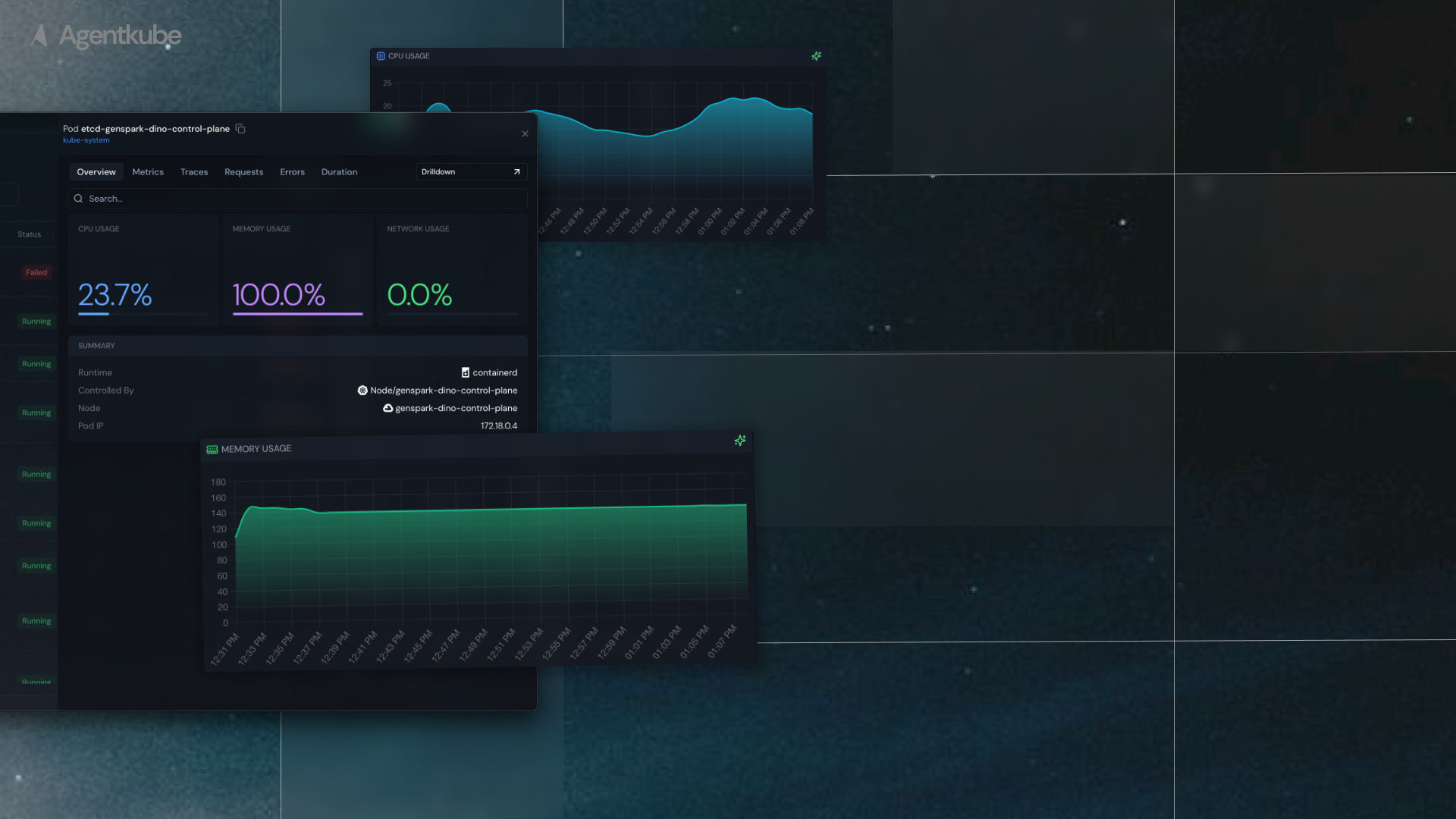
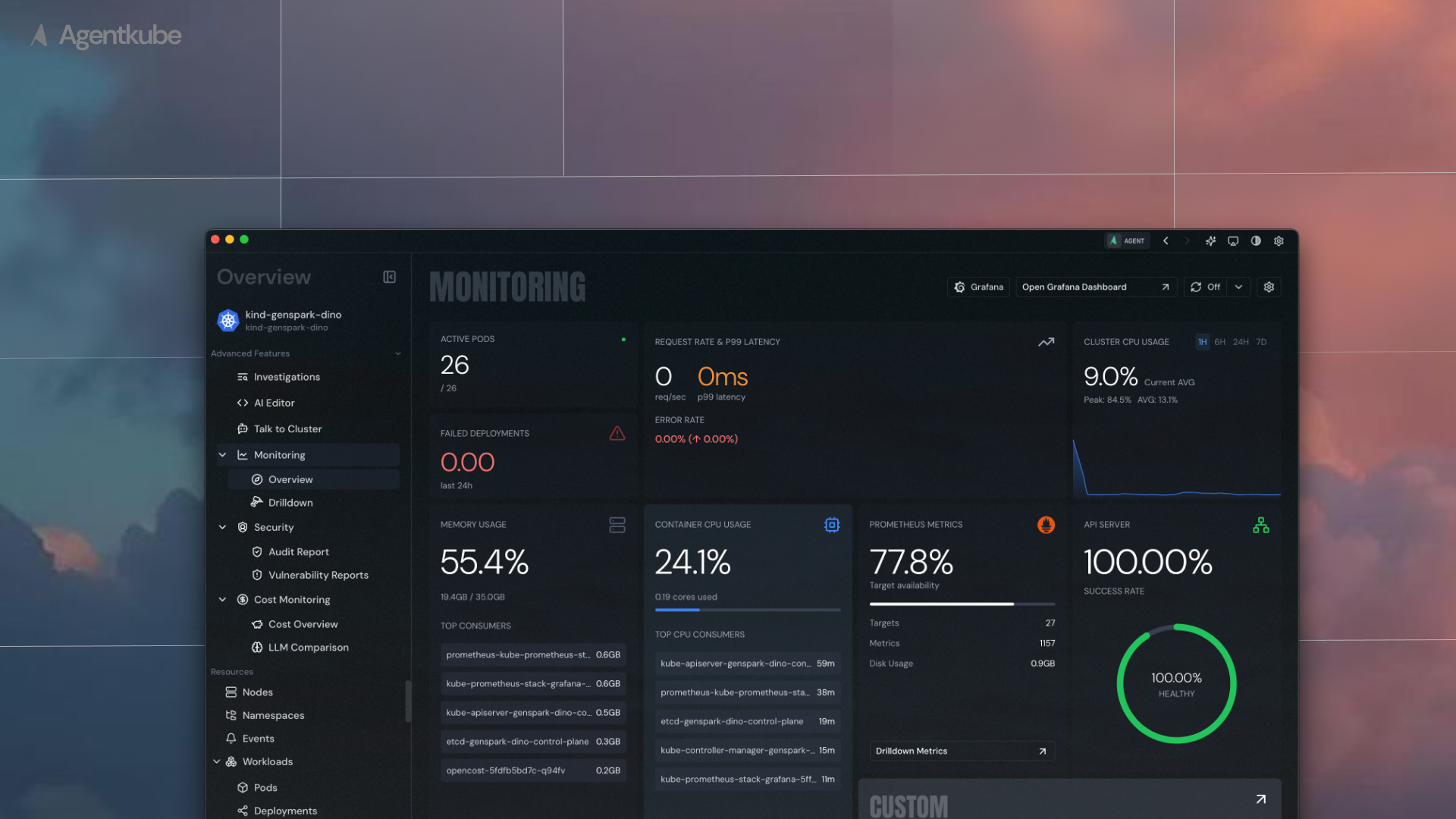
Agentkube provides comprehensive Kubernetes resource monitoring capabilities through integration with the kube-prometheus-stack. Monitor your cluster's health, performance metrics, and resource utilization in real-time.
 ## Prerequisites
Monitoring in Agentkube currently requires the **kube-prometheus-stack** to be installed in your cluster. This stack provides Prometheus for metrics collection and Grafana for visualization.
Support for other observability providers is planned for future releases.
## Configuration
To enable monitoring in Agentkube, you need to configure the Prometheus service connection:
### Setting up Prometheus Connection
1. **Open Monitoring Page** - Navigate to the Monitoring section in Agentkube
2. **Access Settings** - Click the settings icon in the top right corner of the monitoring page
3. **Configure Prometheus** - Provide the following required information:
* **Prometheus Service Address**: The URL endpoint of your Prometheus service
* **Namespace**: The Kubernetes namespace where Prometheus is deployed
Make sure your Prometheus service is accessible from Agentkube and that the service address is correctly formatted (e.g., `prometheus-server:9090`).
## Prerequisites
Monitoring in Agentkube currently requires the **kube-prometheus-stack** to be installed in your cluster. This stack provides Prometheus for metrics collection and Grafana for visualization.
Support for other observability providers is planned for future releases.
## Configuration
To enable monitoring in Agentkube, you need to configure the Prometheus service connection:
### Setting up Prometheus Connection
1. **Open Monitoring Page** - Navigate to the Monitoring section in Agentkube
2. **Access Settings** - Click the settings icon in the top right corner of the monitoring page
3. **Configure Prometheus** - Provide the following required information:
* **Prometheus Service Address**: The URL endpoint of your Prometheus service
* **Namespace**: The Kubernetes namespace where Prometheus is deployed
Make sure your Prometheus service is accessible from Agentkube and that the service address is correctly formatted (e.g., `prometheus-server:9090`).